

Networking Essentials Specialist
A short course teaching computer networking fundamentals and IT infrastructure skills — devices, topologies, IP addressing, security and monitoring — as a foundation for networking roles.
Learn & get 100% Job guarantee
Assured placement support
1.5 months
Course duration
Eligibility
Basic understanding of computer systems. A relevant background or prior IT exposure helps but is not required.
Hands-on labs
Practical learning at your centre
Placement support
Career assistance
Industry demand for Networking Essentials professionals
- Enter roles such as Network Support or Field Support Engineer
- Configure LANs, VLANs, IP addressing and wireless
- Use monitoring and remote troubleshooting tools
Sign up for a free career counselling session!
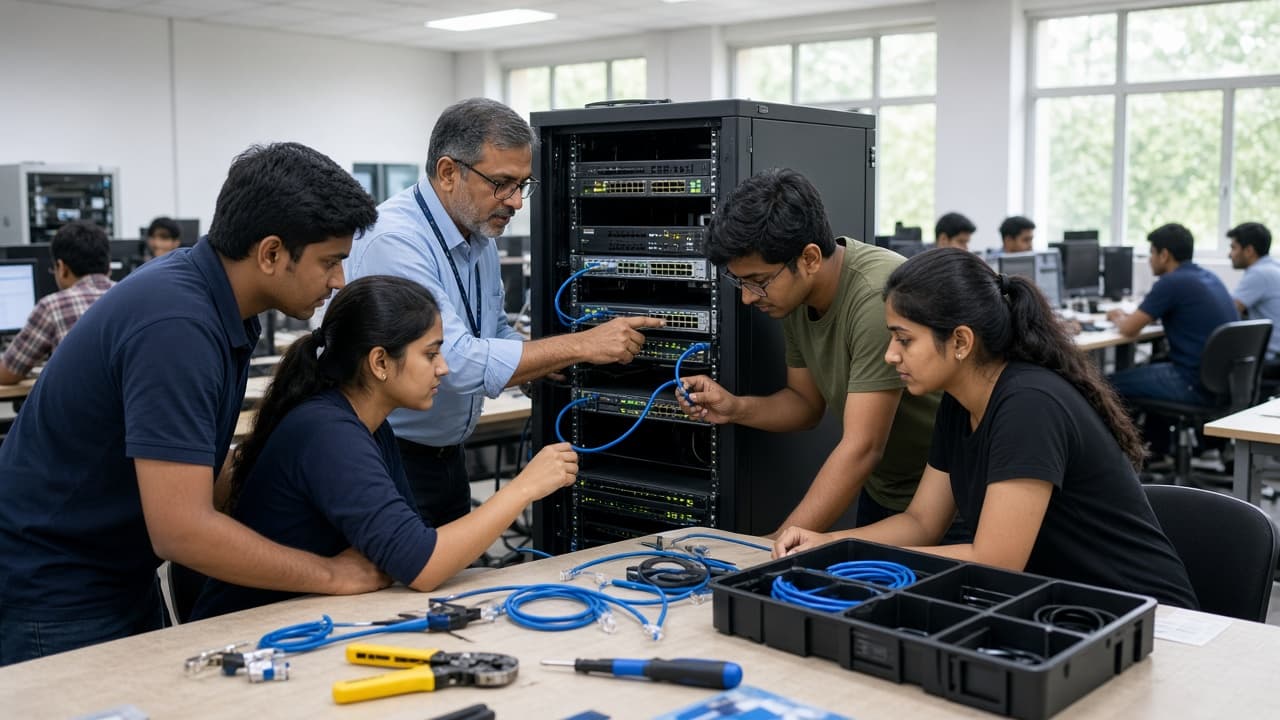
Labs with mentors beside you, and a placement team behind you.
Talk to a counsellorTalk to a counsellorWhat you will study
- 10Modules
- 38Topics
- 11Tools
- 3Certifications
- Overview of Computer Networks
- Identification of NW Devices & Its working (Part 1)
- Identification of NW Devices & Its working (Part 2)
- Network Topology
- OSI_TCP/IP Model_1
- OSI_TCP/IP Model_2
- Introduction to Structured Cabling and Its Components
- Types of UTP cables, Connectors and Crimping standards, Punching_1
- Types of UTP cables, Connectors and Crimping standards, Punching_2
- Types of UTP cables, Connectors and Crimping standards, Punching_3
- Types of Fiber cables, Connectors
- Ethernet and LAN Technologies Part 1 (Ethernet Concepts)
- Ethernet and LAN Technologies Part 2 (VLAN's - Virtual Local Area Network)
- IP Address and Types of Address
- IP address parameters & Assign an IP address
- Subnetting Part 1
- Subnetting Part 2
- Introduction to Network Security (Firewall, IPS, IDS, VPN, SSL/TLS)
- Ports & Protocols
- Setting up a Wired LAN_1
- Setting up a Wired LAN_2
- Configure DNS & DHCP in Network (Practical)_1
- Configure DNS & DHCP in Network (Practical)_2
- Setting up a Wireless LAN_1
- Setting up a Wireless LAN_2
- Difference between Wired & Wireless Devices, Wireless Security_1
- Difference between Wired & Wireless Devices, Wireless Security_2
- How to configure and connect to a Wireless network (Practical) / Wi-Fi Fundamentals_1
- How to configure and connect to a Wireless network (Practical) / Wi-Fi Fundamentals_2
- Using Wireshark to Monitor Networks (Part 1)
- Using Wireshark to Monitor Networks (Part 2)
- Configure & manage NW printer (Practical)_1
- Configure & manage NW printer (Practical)_2
- Basic Network Troubleshooting commands
- Resolve Network Connectivity Issues
- Remote troubleshooting, how to use PUTTY and allow ports, Using Team viewer, RDP, Connect wise (Practical)_1
- Remote troubleshooting, how to use PUTTY and allow ports, Using Team viewer, RDP, Connect wise (Practical)_2
- Introduction to Network Management (SNMP, Network Monitoring and Network documentation)
Tools you will work with
- AWS Cloud
- Check Point Security
- Wireshark
- PUTTY
- TeamViewer
- RDP
- ConnectWise
- DNS & DHCP
- Firewall, IPS, IDS
- VPN & SSL/TLS
- SNMP

Certifications you can prepare for
- Cisco networking
- Windows Server
- Red Hat Linux
Our alumni are in top companies & growing fast
3586Learners placed in 2025

Jay Patel
Placed at
Amnex Infotech Technologies Pvt Ltd

Deep Patel
Placed at
Top IT Company

Ronak Soni
Placed at
Rapid Radio

Shrey Vasoya
Placed at
Qx Global Services Pvt Ltd

Prince Patel
Placed at
Qx Global Services Pvt Ltd

Brijesh Kumar Patel
Placed at
Nityo Infotech

Ravi Sharma
Placed at
Azilen Technologies Pvt. Ltd.

Nigam Kumar Gupta
Placed at
Amnex Infotech Technologies Pvt Ltd

Pratik Patel
Placed at
Subham Infotech

Harshil Kyada
Placed at
Hitachi Systems Micro Clinic

Sujal Bhatt
Placed at
Etech

Dev Bhaskar
Placed at
Top IT Company

Suman Jena
Placed at
HDFC Bank

Bhabesh Giri
Placed at
Dalmia Bharat

Abhisheka Mohanty
Placed at
Siemens

Kabita Khanda
Placed at
Axis Bank
Brands that are our placement partners









Placements are subject to recruitment norms. Jetking does not guarantee placements in the above organisations.
A mini campus near your home
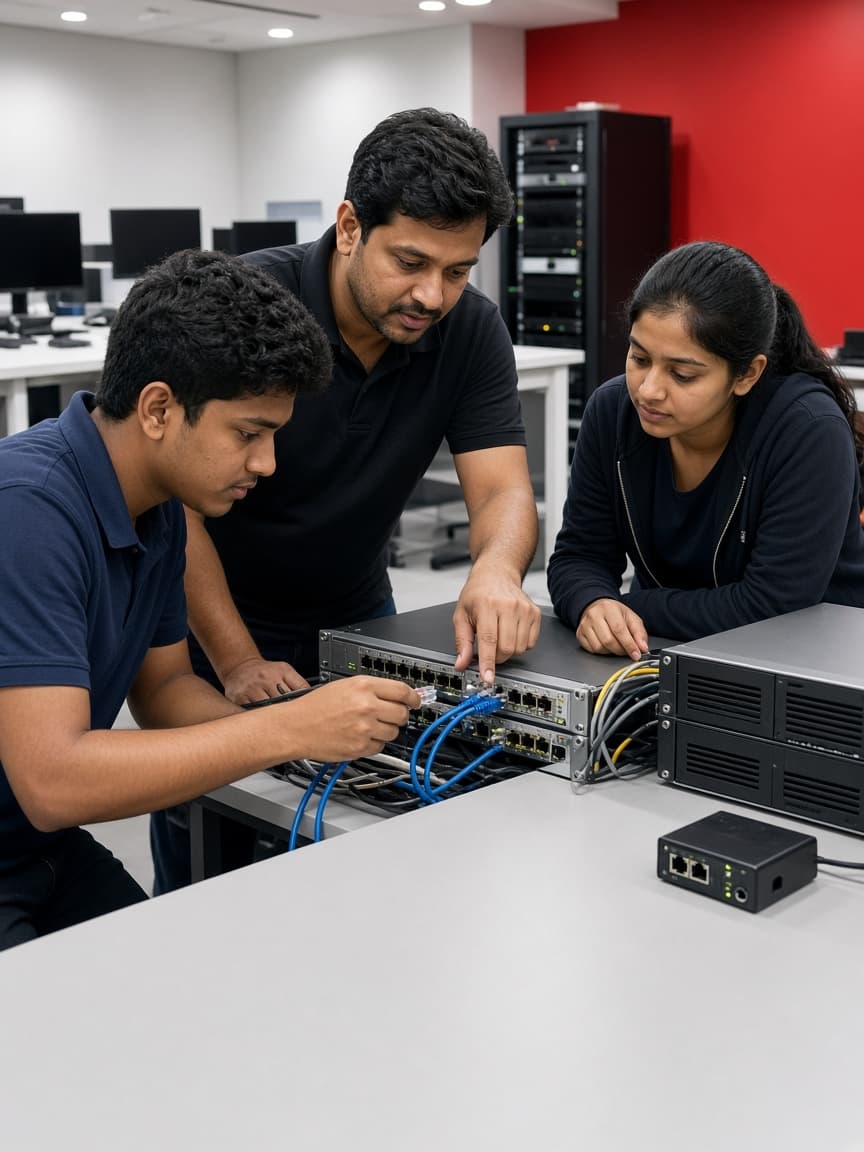
Instructor-led physical labs
Practise on real hardware, networks and cloud set-ups with an instructor beside you.
Faculty access 7 days a week
Walk in or book a slot any day to clear doubts before they pile up.
Career guidance from your Centre Manager
One-on-one planning for electives, certifications, internships and interview readiness.
In-person master sessions
Sessions at the centre with industry practitioners and university faculty.
Meet and learn with peers
Study groups, project teams and hackathons with batchmates from your own city.
Got more questions? Talk to us
Connect with our advisors and get your queries resolved.
Contact usContact usSpeak with our expert 07666830000 or email [email protected]

Frequently asked questions
What is essential networking?
Connecting computers and devices to share resources like internet, files, printers and services, covering IP addressing, DNS, routing, switching and network security for communication and data transfer.
What will I learn?
The skills, tools and techniques to start a career in networking, paving the path for progression into advanced domains of cloud management and cyber security.
What are the entry requirements?
Typically a basic understanding of computer systems and networking concepts, and sometimes a relevant educational background or previous IT experience; requirements may vary by course.
How will this course enhance my career prospects?
You can work in the corporate sector in roles such as Network, Cloud, Security and Server support, or start your own hardware support venture.
What are the 3 types of networking?
LAN connects devices within a limited area; WAN covers broad areas linking multiple LANs over long distances; MAN spans a city or large campus between LAN and WAN scale.
How much do the courses cost?
Fees vary by course, centre and intake, so they are confirmed by a counsellor rather than published as a single figure. EMI options are available on most courses.
Are instalment or EMI options available?
EMI options are available on most courses. The specific arrangements depend on the centre and the course, and a counsellor will walk you through what applies to your case.
What does placement support include?
Placement support covers interview preparation, profile building and introductions to hiring employers. Specific outcomes depend on the course, the centre and the individual learner, so a counsellor can give you the picture for the centre you are considering.
Explore more courses
 Short course2 months
Red Hat Professional (RHCSA)
A Red Hat Linux course building practical skills in installation, configuration and system administration of Red Hat Enterprise Linux — the entry point to becoming a Red Hat Certified System Administrator.
View course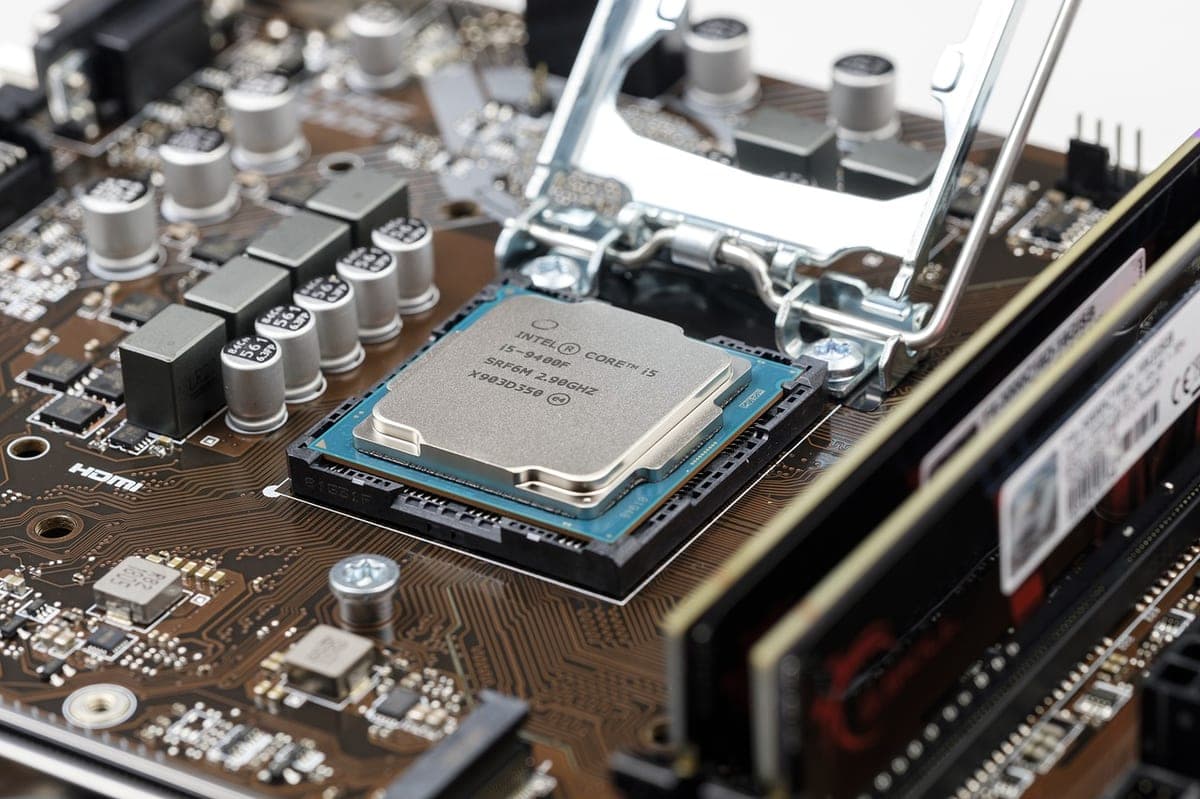 Short course1 month
PC Hardware Support
A short entry-level course to maintain, troubleshoot and repair desktop computers — covering hardware components, operating systems and applications through theory and practical labs.
View course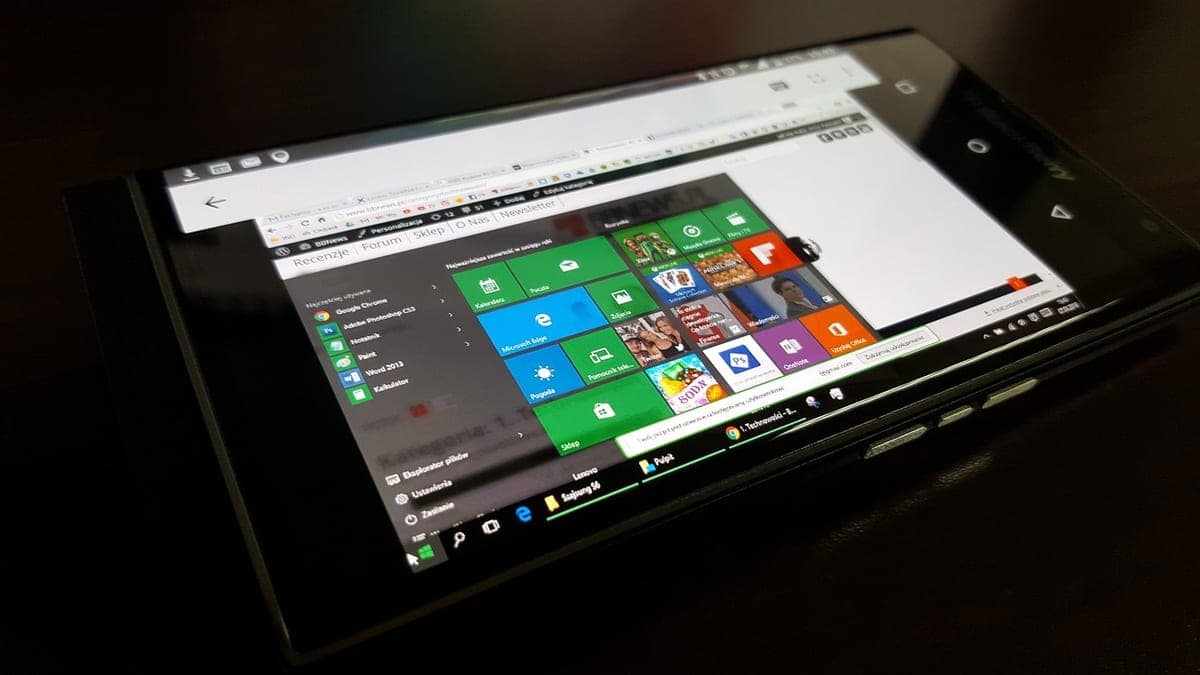 Short course1.5 months
Windows 10 Operating System
A short certification teaching Windows 10 setup, troubleshooting and device management with hands-on projects — including security features and Azure service integration.
View course Short course6 months
Digital Marketing Training Solutions
A master course in digital marketing covering SEO, SEM, social media, content, email marketing and analytics, with practical learning through live industry projects.
View course