

PC Hardware Support
A short entry-level course to maintain, troubleshoot and repair desktop computers — covering hardware components, operating systems and applications through theory and practical labs.
Learn & get 100% Job guarantee
In demand skills, in hybrid mode
1 month
Course duration
Eligibility
Open to any graduate, undergraduate or diploma holder. Absolute beginners welcome.
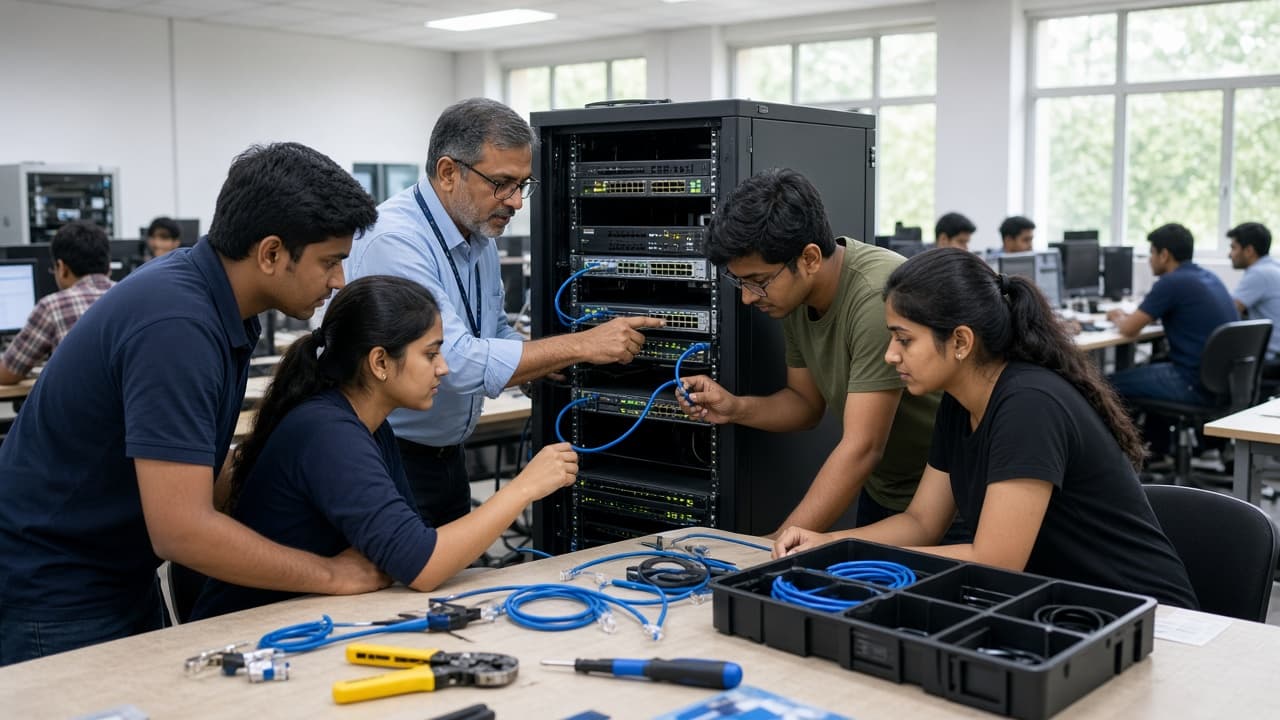
Hands-on labs
Practical learning at your centre
Placement support
Career assistance
Industry demand for PC Hardware Support professionals
- Enter roles such as Field Support or Desktop Engineer (L1)
- Assemble, troubleshoot and repair PCs and peripherals
- Install and manage Windows, Linux and macOS
Sign up for a free career counselling session!
Internship and placements
- Placement assistance through campus interviews
From first lab to first job
- 1
Module 1 - PC Hardware Fundamentals
Introduction to computer hardware components, safety measures, and hands-on PC assembly
- 2
Module 2 - Operating Systems
Installation and configuration of Windows, Linux, and macOS with upgrades
- 3
Module 3 - Troubleshooting & Support
Diagnostic and resolution techniques for desktop and laptop issues
- 4
Module 4 - Peripherals & Devices
Printer management, scanner installation, mobile device handling, and webcam setup
- 5
Module 5 - Network & Security
Networking concepts, user management, and system security implementation
What you will study
- 7Modules
- 39Topics
- 9Tools
- PC Components and Safety Measures
- Managing Storage Components
- PC Assembling
- Manage Internal System Components
- Hardware industry exposure
- Components, tools and safety measures
- Firmware upgrade, Dual BIOS & BIOS settings
- Diagnose & Resolve PC-related issues
- Types of Printers & Maintenance
- Types of Imaging Devices
- Installing a Scanner & Webcam
- Smartphone features and Tools & Safety
- Types of printers
- Installing and testing a printer
- Printer Maintenance
- Scanner Installation
- Webcam Installation
- Configure and Troubleshoot Laptops
- Manage Mobile Devices
- Laptop features, Components, tools and safety measures
- Diagnose & Resolve laptop-related issues
- Upgrading a PC or Laptop
- Manage Mobile Devices and Security
- Different OS and Compatibility
- Windows Installation
- Manage Windows Disk and Features
- Install & Configure Linux & MacOS
- Upgrading OS & Installing OS Updates
- Install and Manage Windows Applications
- Managing Users, Workstation and Shared Resources
- Network Concepts and Management on Windows Devices
- Manage and Secure Systems and Data
- Troubleshooting Workstation Issues
- Network Concepts and Devices
- Configure & Troubleshoot Network and Remote Access
- Manage Client Virtualization and Cloud Computing Concepts
- Implementing Operational Process
- How to Boot a System?
- Diagnose & Resolve issues related to PC
Tools you will work with
- Windows
- Linux
- macOS
- BIOS / Firmware
- Dual BIOS
- Cloud computing
- Client virtualization
- Networking devices
- Mobile device management
Our alumni are in top companies & growing fast
3586Learners placed in 2025

Jay Patel
Placed at
Amnex Infotech Technologies Pvt Ltd

Deep Patel
Placed at
Top IT Company
Ronak Soni
Placed at
Rapid Radio

Shrey Vasoya
Placed at
Qx Global Services Pvt Ltd

Prince Patel
Placed at
Qx Global Services Pvt Ltd

Brijesh Kumar Patel
Placed at
Nityo Infotech

Ravi Sharma
Placed at
Azilen Technologies Pvt. Ltd.

Nigam Kumar Gupta
Placed at
Amnex Infotech Technologies Pvt Ltd

Pratik Patel
Placed at
Subham Infotech

Harshil Kyada
Placed at
Hitachi Systems Micro Clinic

Sujal Bhatt
Placed at
Etech

Dev Bhaskar
Placed at
Top IT Company

Suman Jena
Placed at
HDFC Bank

Bhabesh Giri
Placed at
Dalmia Bharat

Abhisheka Mohanty
Placed at
Siemens

Kabita Khanda
Placed at
Axis Bank
Brands that are our placement partners








Placements are subject to recruitment norms. Jetking does not guarantee placements in the above organisations.
A mini campus near your home
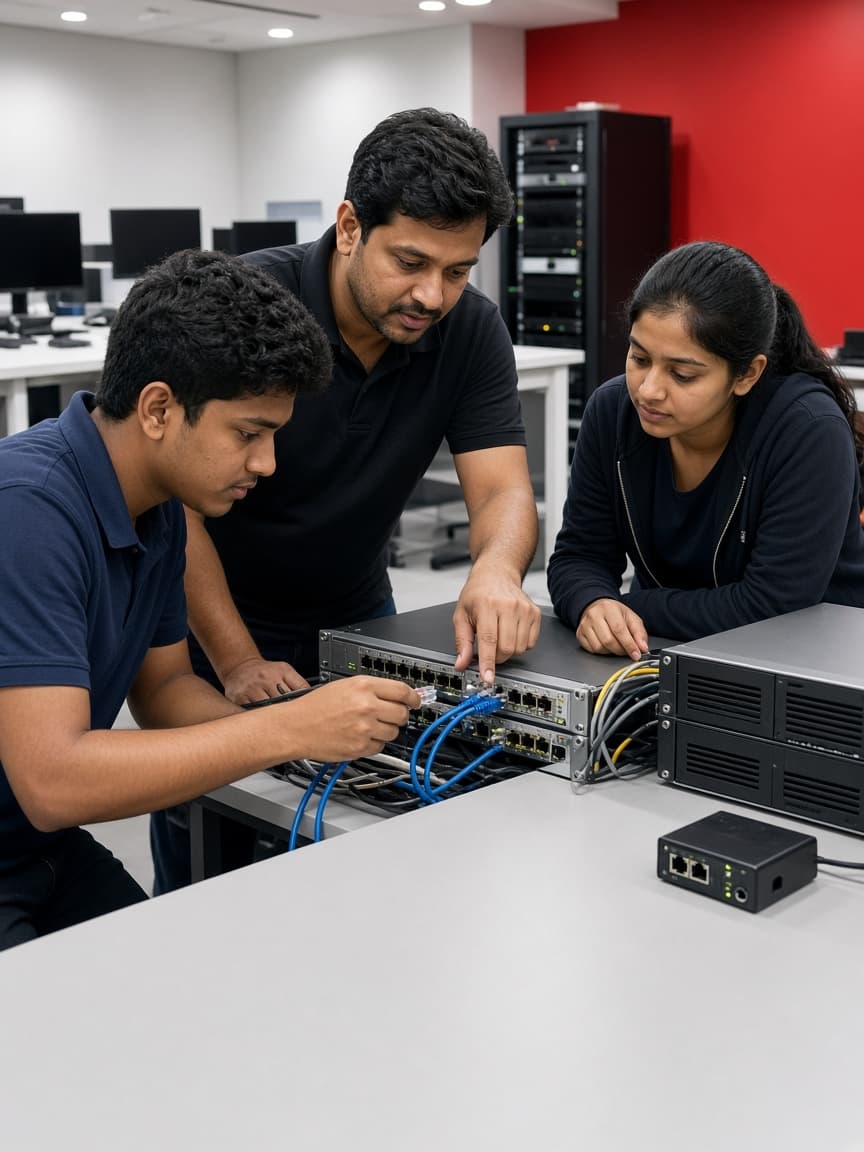
Instructor-led physical labs
Practise on real hardware, networks and cloud set-ups with an instructor beside you.
Faculty access 7 days a week
Walk in or book a slot any day to clear doubts before they pile up.
Career guidance from your Centre Manager
One-on-one planning for electives, certifications, internships and interview readiness.
In-person master sessions
Sessions at the centre with industry practitioners and university faculty.
Meet and learn with peers
Study groups, project teams and hackathons with batchmates from your own city.
Available at 38 centres
Across 27 cities — pick a location that works for you.
Jetking Maninagar
3rd Floor, Elegance Arcade, Opp. Maninagar Railway Station, Beside Satyam Towers, Maninagar, Ahmedabad, Gujarat, Maninagar, 380008
Got more questions? Talk to us
Connect with our advisors and get your queries resolved.
Contact usContact usSpeak with our expert 07666830000 or email [email protected]

Frequently asked questions
What is the importance of this course?
Computer Hardware and Networking is a fast-growing occupation; this PC Hardware Support course prepares students to maintain desktops in terms of hardware, operating system and applications.
What will I learn?
You will be able to maintain, troubleshoot and repair desktops, learning about hardware, operating systems and applications.
What are the entry requirements?
Any graduate, undergraduate or diploma holder can do this course.
How will this course enhance my career prospects?
You can become a desktop support professional in the corporate sector or start your own hardware support venture, as a Field Support Engineer, Desktop Engineer or L1 Systems Support Engineer.
What is a hardware course?
A course focused on the physical components of computers and electronic devices, how they work, how to assemble and disassemble them, and how to troubleshoot hardware-related issues.
Which computer hardware course is best?
It depends on your goals, but courses like CompTIA A+, Cisco CCNA, or courses from manufacturers such as Microsoft, Dell or HP are highly regarded.
How much do the courses cost?
Fees vary by course, centre and intake, so they are confirmed by a counsellor rather than published as a single figure. EMI options are available on most courses.
Are instalment or EMI options available?
EMI options are available on most courses. The specific arrangements depend on the centre and the course, and a counsellor will walk you through what applies to your case.
What does placement support include?
Placement support covers interview preparation, profile building and introductions to hiring employers. Specific outcomes depend on the course, the centre and the individual learner, so a counsellor can give you the picture for the centre you are considering.
Explore more courses
 Short course2 months
Red Hat Professional (RHCSA)
A Red Hat Linux course building practical skills in installation, configuration and system administration of Red Hat Enterprise Linux — the entry point to becoming a Red Hat Certified System Administrator.
View course Short course1.5 months
Windows 10 Operating System
A short certification teaching Windows 10 setup, troubleshooting and device management with hands-on projects — including security features and Azure service integration.
View course Short course1.5 months
Networking Essentials Specialist
A short course teaching computer networking fundamentals and IT infrastructure skills — devices, topologies, IP addressing, security and monitoring — as a foundation for networking roles.
View course Short course6 months
Digital Marketing Training Solutions
A master course in digital marketing covering SEO, SEM, social media, content, email marketing and analytics, with practical learning through live industry projects.
View course