

Microsoft Server Technology Specialist
A certification that trains professionals to install, configure and manage Windows Server 2019 / 2022 environments — server administration, virtualisation, high availability and Azure hybrid integration.
Learn & get 100% Job guarantee
Assured placement support
2.5 months
Course duration
Eligibility
Any graduate or 10+2 student interested in IT support; basic hardware, networking and Windows knowledge helps.
Hands-on labs
Practical learning at your centre
Placement support
Career assistance
Industry demand for MS Server Specialist professionals
- Enter roles such as System Administrator or Windows Server Administrator
- Manage Active Directory, storage and Hyper-V virtualisation
- Configure failover clustering and Azure hybrid IaaS
Sign up for a free career counselling session!
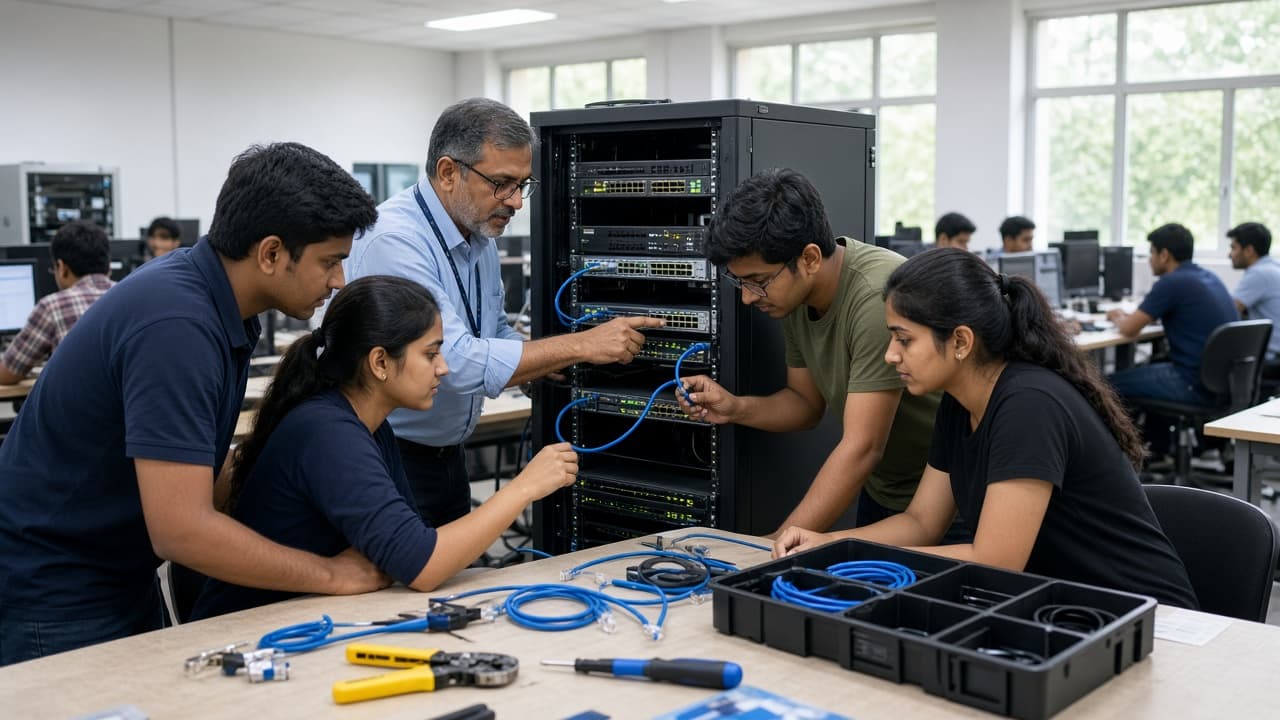
Labs with mentors beside you, and a placement team behind you.
Talk to a counsellorTalk to a counsellorWhat you will study
- 13Modules
- 23Topics
- 14Tools
- 3Certifications
- Introduction To Windows Server 2019
- Basics of DNS and DHCP
- Introduction to Active Directory Domain Services
- Installing, Upgrading And Migrating Servers And Workloads
- Creating and managing deployment images
- Implementing And Using Remote Server Administration
- Implementing Identity Services And Group Policy
- Implementing & Configure Network Infrastructure Services
- Configuring Local Storage & Enterprise Storage Solutions
- Implementing Storage Spaces And Data Deduplication
- Installing And Configuring Hyper-V And Virtual Machines
- Deploying And Managing Windows And Hyper-V Containers
- Managing, monitoring and maintaining virtual machine installations
- Implementing Failover Clustering
- Overview Of High Availability And Disaster Recovery
- Windows Server 2019 Hyper-V Replica
- Implementing Network Load Balancing
- Implementing Failover Clustering with Windows Server 2016 Hyper-V
- Implementing Backup & Restore With Server Backup
- Implementing Security In Windows Server
- Configure And Manage Remote Access & Web Services
- Monitoring & Troubleshooting Windows Server
- Introduction Azure Hybrid IaaS With Windows Server 2019
Tools you will work with
- Windows Server 2022
- Windows Server 2016
- DNS
- DHCP
- Active Directory Domain Services
- Hyper-V
- Windows and Hyper-V Containers
- Storage Spaces
- Data Deduplication
- Failover Clustering
- Network Load Balancing
- Windows Server Backup
- Group Policy
- Hyper-V Replica
Certifications you can prepare for
- Microsoft MCTS
- Windows Server 2019 / 2022
- Azure Hybrid
Our alumni are in top companies & growing fast
3586Learners placed in 2025

Jay Patel
Placed at
Amnex Infotech Technologies Pvt Ltd

Deep Patel
Placed at
Top IT Company

Ronak Soni
Placed at
Rapid Radio

Shrey Vasoya
Placed at
Qx Global Services Pvt Ltd

Prince Patel
Placed at
Qx Global Services Pvt Ltd

Brijesh Kumar Patel
Placed at
Nityo Infotech

Ravi Sharma
Placed at
Azilen Technologies Pvt. Ltd.

Nigam Kumar Gupta
Placed at
Amnex Infotech Technologies Pvt Ltd

Pratik Patel
Placed at
Subham Infotech

Harshil Kyada
Placed at
Hitachi Systems Micro Clinic

Sujal Bhatt
Placed at
Etech

Dev Bhaskar
Placed at
Top IT Company

Suman Jena
Placed at
HDFC Bank

Bhabesh Giri
Placed at
Dalmia Bharat

Abhisheka Mohanty
Placed at
Siemens

Kabita Khanda
Placed at
Axis Bank
Brands that are our placement partners








Placements are subject to recruitment norms. Jetking does not guarantee placements in the above organisations.
A mini campus near your home
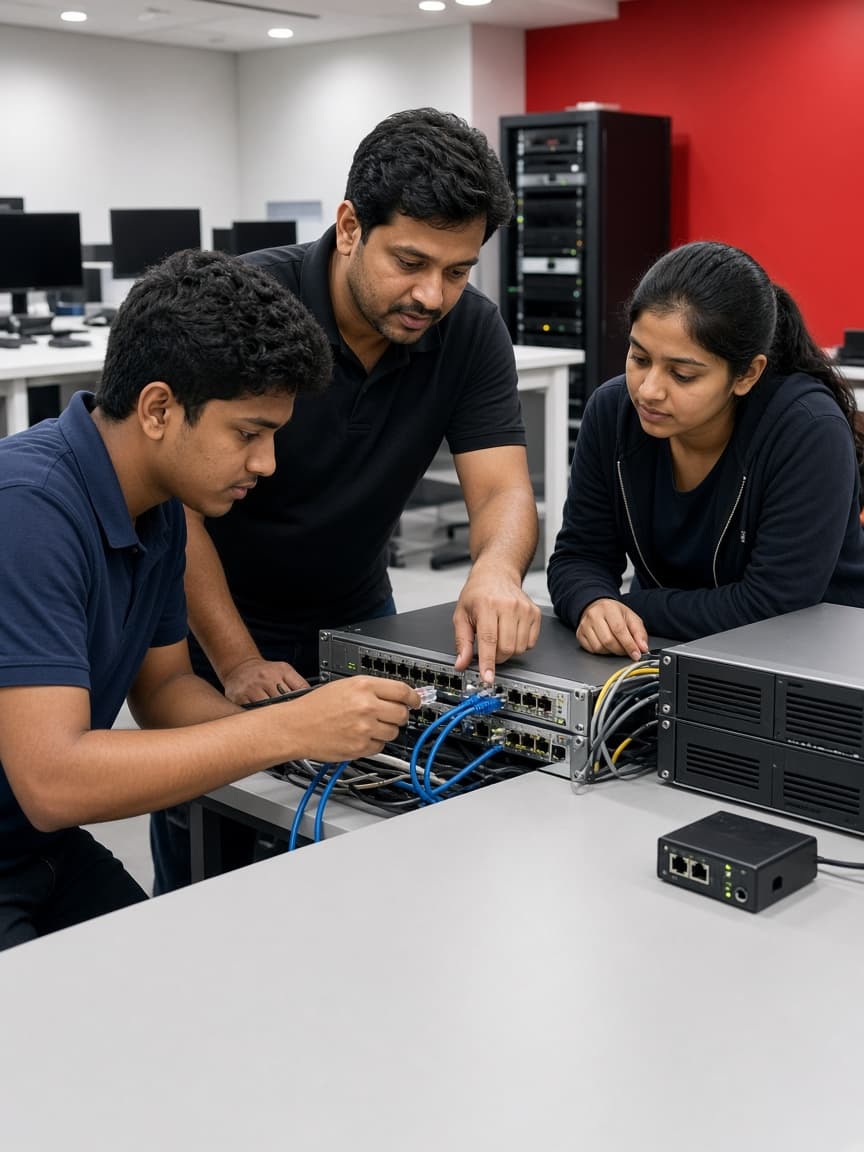
Instructor-led physical labs
Practise on real hardware, networks and cloud set-ups with an instructor beside you.
Faculty access 7 days a week
Walk in or book a slot any day to clear doubts before they pile up.
Career guidance from your Centre Manager
One-on-one planning for electives, certifications, internships and interview readiness.
In-person master sessions
Sessions at the centre with industry practitioners and university faculty.
Meet and learn with peers
Study groups, project teams and hackathons with batchmates from your own city.
Got more questions? Talk to us
Connect with our advisors and get your queries resolved.
Contact usContact usSpeak with our expert 07666830000 or email [email protected]

Frequently asked questions
What is the Microsoft Server MCTS certification?
MCTS validates your skills in a specific Microsoft technology such as Windows Server, demonstrating your ability to install, configure, and troubleshoot in a Microsoft server environment.
What will I learn?
Windows Server OS, DNS and DHCP, Active Directory, server migration, storage configuration, Storage Spaces, Hyper-V and containers, high availability, failover clustering, and Network Load Balancing.
How will this course enhance my career prospects?
Prepares learners for IT/Desktop Support roles including Field Support Engineer, Desktop Engineer, and L1 Systems Support Engineer on client systems.
What are the entry requirements?
Technical graduates (BE/BSc IT) need no prerequisite knowledge. Any graduate or 10+2 student aspiring toward desktop support professions may enroll.
What are the prerequisites for enrolling in the Microsoft Server MCTS course?
Basic knowledge of computer hardware, networking, and Windows operating systems is recommended. Some experience in IT or a related field can also be beneficial.
Who should take the Microsoft Server MCTS course?
Ideal for IT professionals, Microsoft system administrators, and anyone seeking to enhance skills in managing Microsoft server environments or pursue advanced certifications.
Why choose Jetking for the Microsoft Server course?
Immersive learning with interactive material, experienced mentors, skilled evaluators, real-world expert-designed projects, and career services including resume development and interview preparation.
How much do the courses cost?
Fees vary by course, centre and intake, so they are confirmed by a counsellor rather than published as a single figure. EMI options are available on most courses.
Are instalment or EMI options available?
EMI options are available on most courses. The specific arrangements depend on the centre and the course, and a counsellor will walk you through what applies to your case.
What does placement support include?
Placement support covers interview preparation, profile building and introductions to hiring employers. Specific outcomes depend on the course, the centre and the individual learner, so a counsellor can give you the picture for the centre you are considering.
Explore more courses
 Certification4 months
Jetking Certified Data Analyst
A data analytics certification covering Excel, SQL, Power BI, Python and Tableau, with an emphasis on data analysis, visualisation and business insight through project work.
View course Certification2 months
Routing & Switching Administrator (CCNA)
A CCNA-aligned certification building core routing and switching skills through hands-on labs on Cisco devices, preparing learners for real-world enterprise networking.
View course Certification2 months
Ethical Hacking Specialist
An intensive course teaching ethical hacking tools, techniques and methodology across network security, penetration testing and vulnerability assessment, aligned to the CEH v12 standard.
View course Certification2 months
AWS Solution Specialist
A course preparing learners for the AWS Certified Solutions Architect – Associate certification through hands-on projects covering cloud architecture, AWS services and secure application deployment.
View course